Browser 
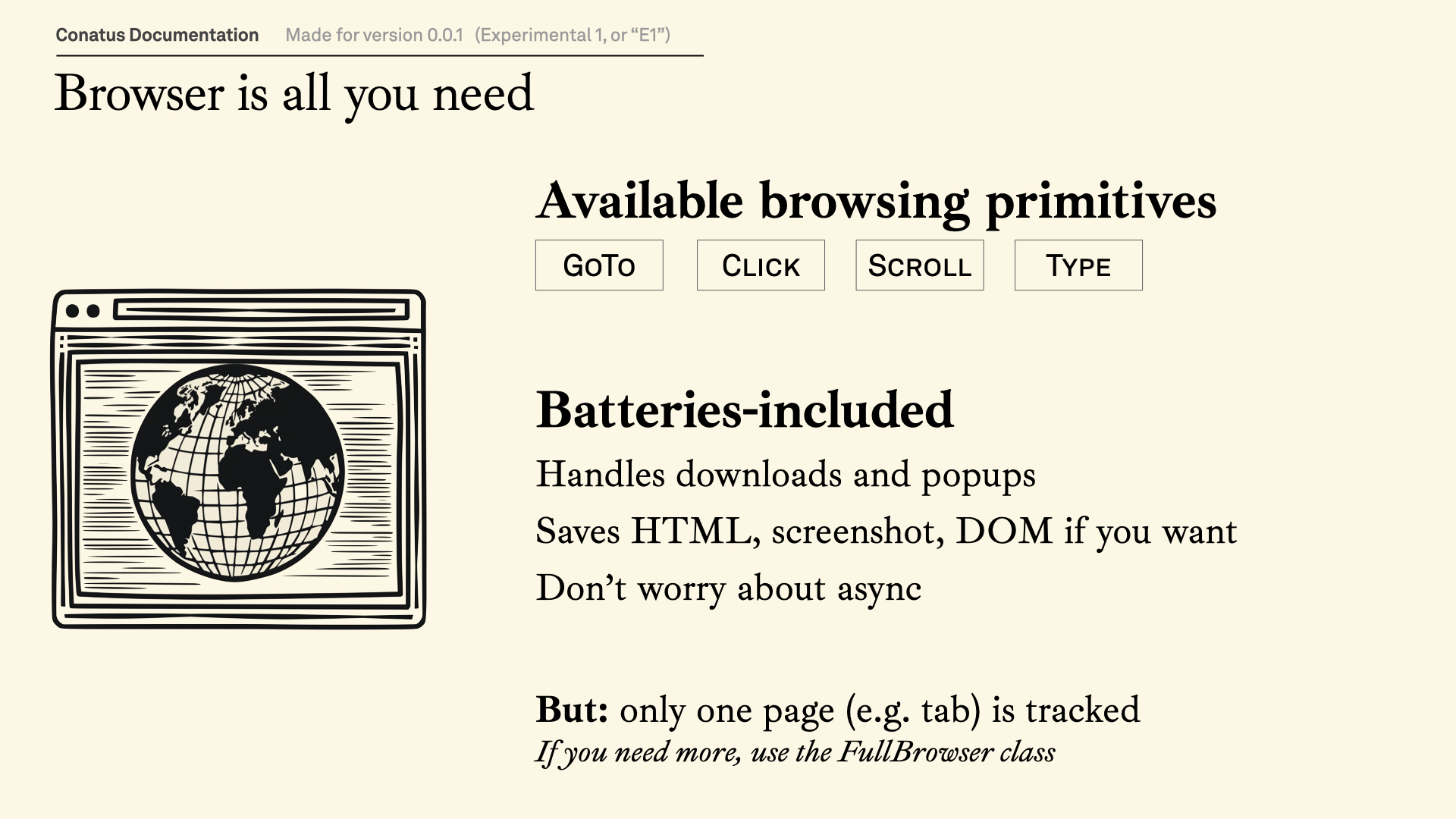
Conatus has a built-in, first-class browsing utility. We've built to make it trivially easy for developers to build actions that require web navigation. And, of course, to make it trivially easy for AI agents to browse the web as well 🙂.
Here's what to know:
Part 1: Use SimpleBrowser first. Most actions
in Conatus are developed with the SimpleBrowser class. SimpleBrowser exposes the
basic functions of web browsing, and takes care of the rest.
Part 2: You can customize browsers. For that, you can pass a dictionary or a
BrowserConfig instance.
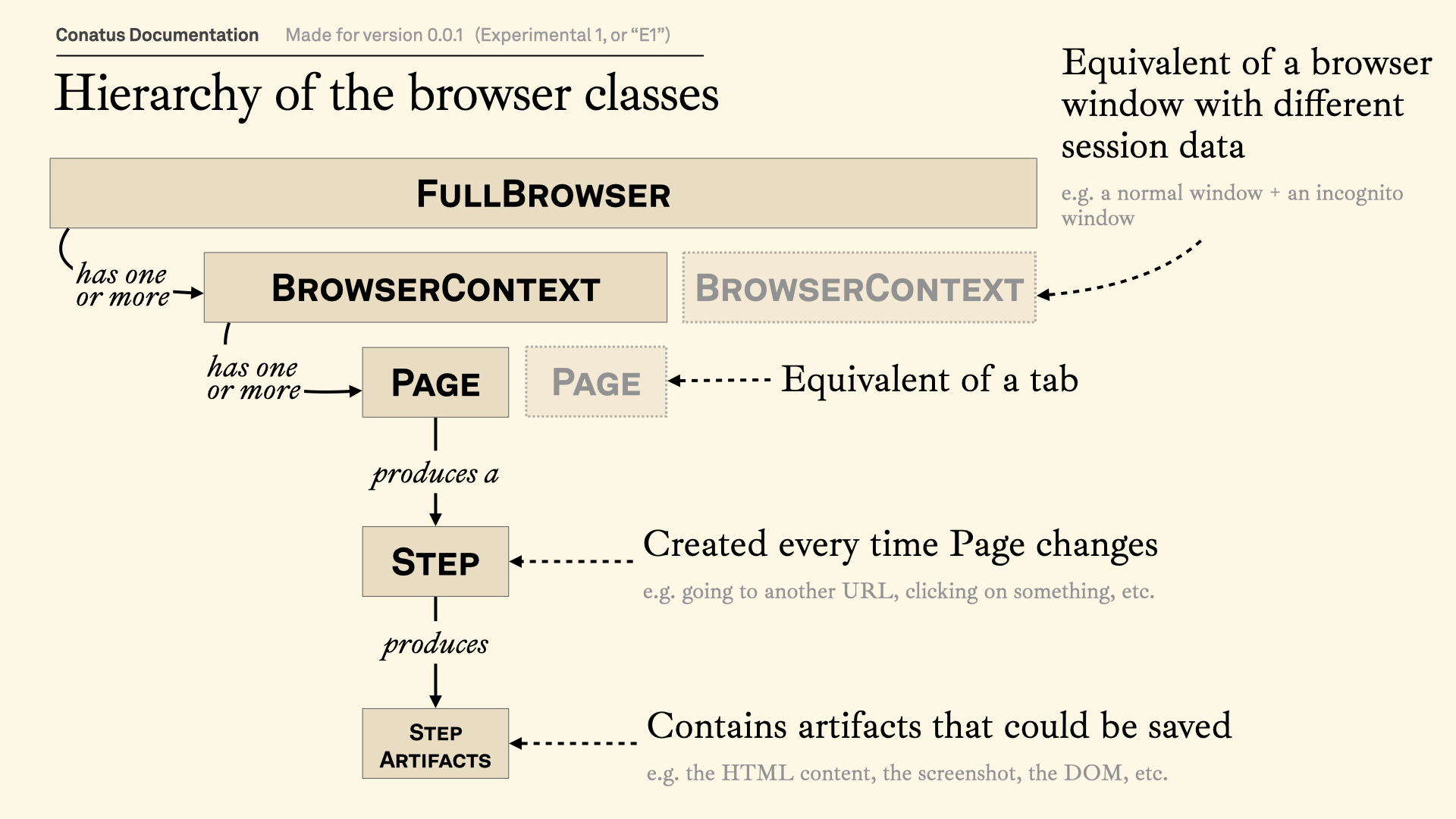
Part 3: The Browser class gives more
flexibility, such as opening multiple tabs at the same time. If you're curious
about how it all works under the hood, look at the Browser class.
The Browser class 
from conatus.utils.browser import Browser
# Put headless=False to see the Chrome window on your device
browser = Browser(headless=False)
browser.goto("https://news.ycombinator.com")
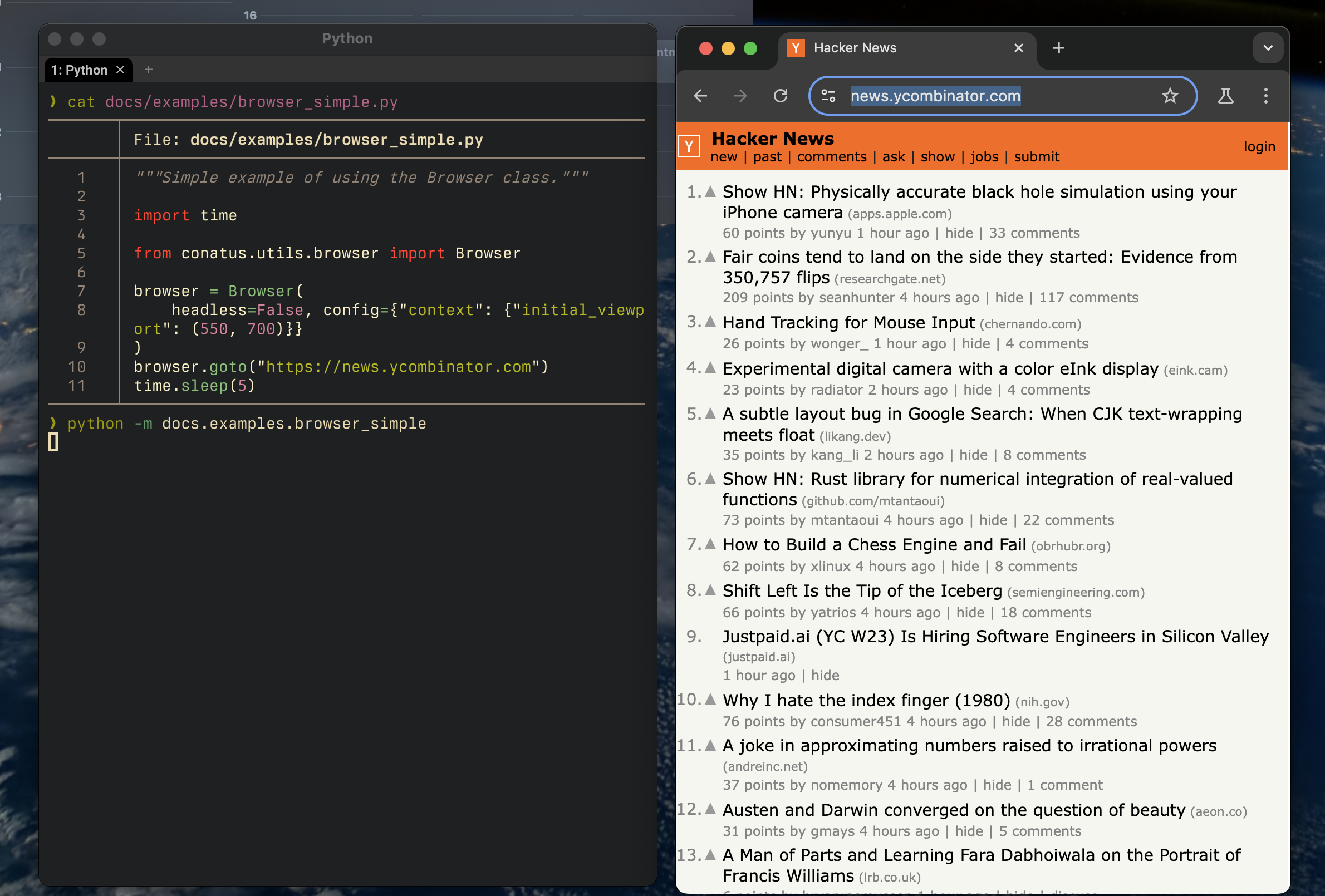
You can also configure the browser with custom parameters. You can pass them directly when you initialize it:
from conatus.utils.browser import Browser

browser = Browser(
    headless=False, config={"context": {"initial_viewport": (550, 700)}}
)
browser.goto("https://news.ycombinator.com")
Putting everything together, we get this:
# Will write the log files at test_runs/<timestamp>/artifacts/log
browser_that_writes = Browser(writer=FileWriter("test_runs"))
# Will write the log files at test_runs_dump/
browser_that_writes = Browser(writer=FileWriter(log_folder="test_runs_dump"))
browser.scroll("down", direction=100) # scroll down 100px
browser.scroll("up", relative_direction=0.1) # scroll up 10% of the screen height
# Use with href
browser.click("a[href*='://']")
# Use with node_ref
node = NodeRef(type="a", attributes={"href": ("contains", "://")})
browser.click(node) # Will probably throw an error
# Use with node_ref, but relaxed
node = NodeRef(type="a", attributes={"href": ("contains", "://")})
browser.click(node, strict=False) # Will click the first node
# Use with text
browser.click("Select that configuration")
BrowserConfig 
Logging outputs from the browser 
Browser Internals 
A primer on Playwright 
Our architecture